Book Appointment Now

How to Fix WiFi Dead Spots at Home (Simple Steps That Work)
WiFi dead spots are one of the most common problems we get called out for. The internet works fine in the lounge, but the back bedroom, the home office or the patio barely gets a bar. The good news is that most WiFi dead spots can be fixed without buying a faster plan. Here’s what causes them, the simple fixes to try first, and when it makes sense to get a hand from Geek Guru 2u.
What causes WiFi dead spots?
Your router sends out a radio signal, and that signal gets weaker the further it travels. Walls, floors and furniture soak up some of it along the way. As a result, rooms at the far end of the house often get a weak or patchy connection.
Some materials are much worse than others. Brick, concrete, tiles, mirrors and metal all block WiFi more than plasterboard does. Water is another one, so fish tanks and even a bathroom between you and the router can make a difference.
Interference plays a part too. Neighbours’ networks, baby monitors, cordless phones and microwaves can all crowd the same airwaves. Finally, an old router simply may not have the range or speed that a modern home needs.

Quick fixes for WiFi dead spots you can try today
Before you spend any money, work through these steps. They’re free, and they fix more problems than you’d expect.
1. Move your router
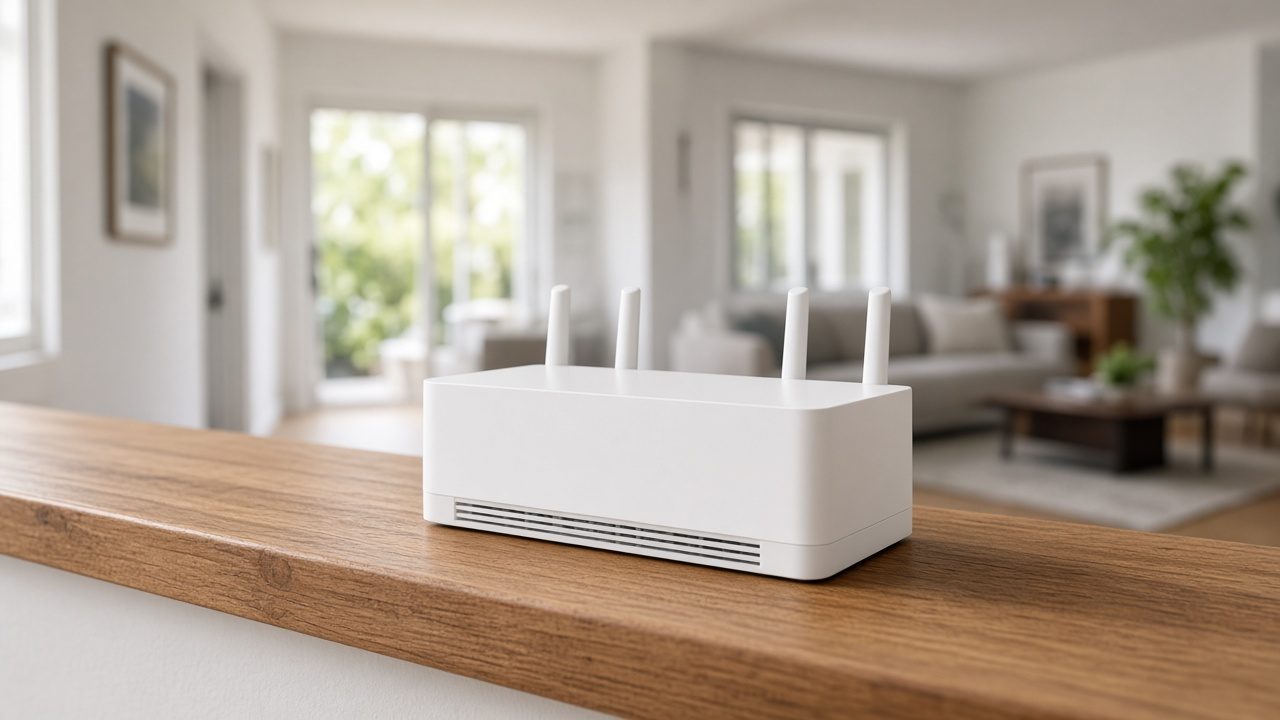
Routers often end up hidden in a cupboard, behind the TV or on the floor in a corner. That’s the worst place for them. Instead, put the router somewhere central, up off the floor and out in the open. Even moving it a metre or two can help.
2. Restart and update it
Turn the router off at the wall, wait 30 seconds and turn it back on. Next, log in to its settings page or app and check for a firmware update. Updates often fix bugs and security issues, and they can improve stability as well.
3. Check which band you’re on
Most routers offer two bands. The 2.4 GHz band reaches further and handles walls better, but it’s slower. The 5 GHz band is faster, but it drops off sooner. If a device in a far room keeps cutting out, try connecting it to the 2.4 GHz network instead.
4. Reduce interference
Keep the router away from microwaves, cordless phone bases and big metal objects like fridges or filing cabinets. In addition, many routers let you change the WiFi channel. Picking a less crowded one can help a lot in busy streets and apartment blocks.
5. Plug in where you can
Devices that don’t move, such as a desktop PC, smart TV or gaming console, are often better on a network cable. As a bonus, every device you take off WiFi leaves more room for the phones and laptops that need it.
When WiFi dead spots need more coverage
If the quick fixes don’t solve it, the house may simply be too big or too solid for one router. In that case, you have a few options.
Mesh WiFi systems
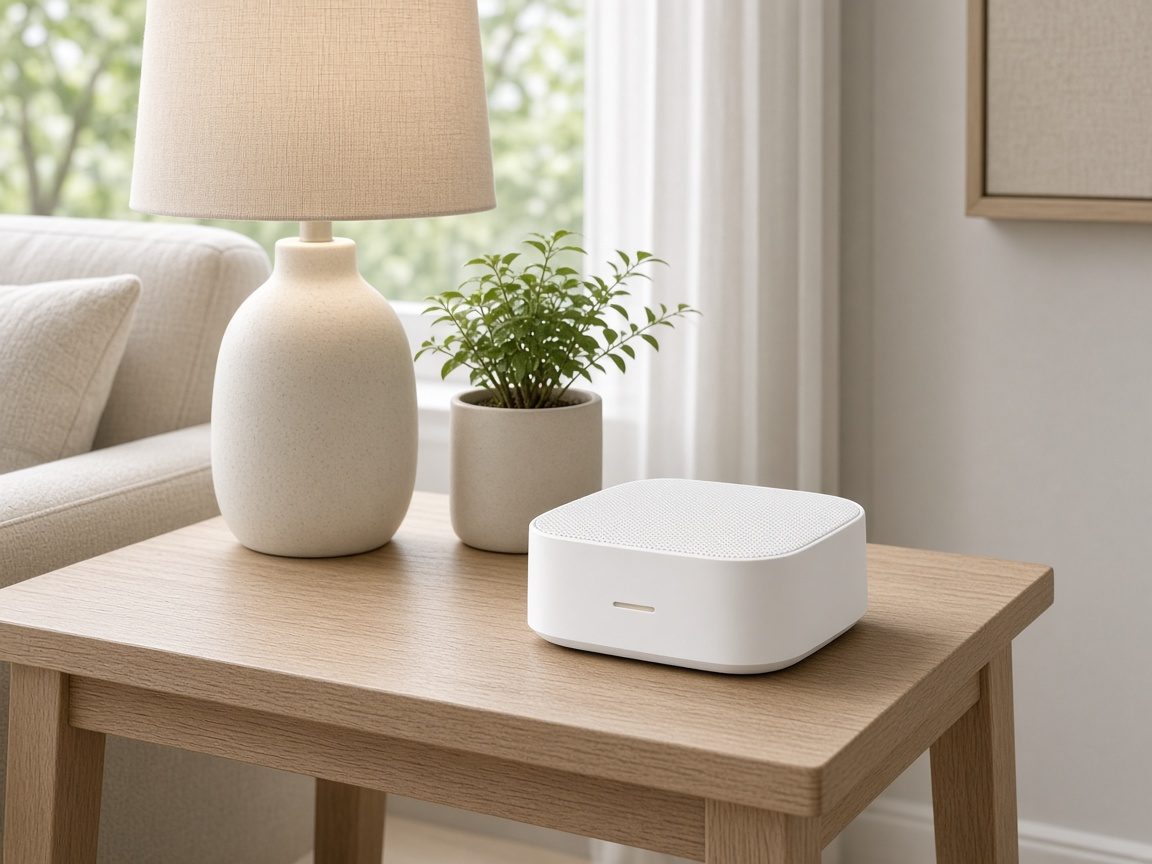
A mesh system uses two or more units placed around the home. They work together as one network, so your devices switch between them as you move. For most larger or two-storey homes, mesh is the neatest way to get rid of WiFi dead spots for good.
WiFi extenders
An extender picks up your existing signal and repeats it further out. They’re cheap and can work well for one problem room. However, they can halve the speed, and some devices cling to the weaker signal. Placement matters, so put the extender roughly halfway, where the signal is still decent.
Powerline adapters and cabling
Powerline adapters send your internet through the home’s power wiring, which suits granny flats and garages. Results depend on the wiring, though. For a home office or a business, a proper network cable to a second access point is usually the most reliable fix.
Don’t forget security when fixing WiFi dead spots
Whenever you add a new router or mesh system, it’s a good time to tidy up security. Change the default admin password, use WPA3 or WPA2 encryption, and keep the firmware up to date. The Victorian Government has a clear guide on how to secure your home Wi-Fi network that walks through each step.
Also, a slow connection isn’t always the WiFi. If only one computer is sluggish, have a look at our guide on why your laptop is so slow. And if you’ve had strange messages about your internet account, read how to spot a scam text or phishing email.
When to call a pro about WiFi dead spots
Plenty of people sort out a weak signal themselves. Still, it’s worth calling a technician if:
- you’ve moved and restarted the router, but the problem is still there
- you’re not sure whether to buy mesh, an extender or a new router
- the connection drops out completely, not just in one room
- you work from home and need the office to be rock solid
- you run a small business and need staff and guest WiFi kept separate
A tech can check signal strength room by room, find the cause and recommend the right gear for your home. That way, you don’t waste money on equipment that won’t help.
Get rid of WiFi dead spots in every room
Geek Guru 2u comes to you, at home or at work, with no extra call-out fees. We’ll track down the cause, set up your router or mesh system properly and make sure every device connects. We can help with NBN, printers, slow computers and more on the same visit. See the areas we service to check we cover your suburb.
Call us on 1300 160 220 or book online, and enjoy strong WiFi all through the house.