Book Appointment Now

How to Spot a Scam Text or Phishing Email (And What to Do If You Click)
Scam texts and phishing emails are now one of the most common things our customers ask about. The messages look more convincing every month, and anyone can get caught on a busy day. The good news is that a few simple habits will stop most of them. Here’s how to spot a scam text or email, what to do if you’ve already clicked, and when it’s worth calling a pro at Geek Guru 2u.
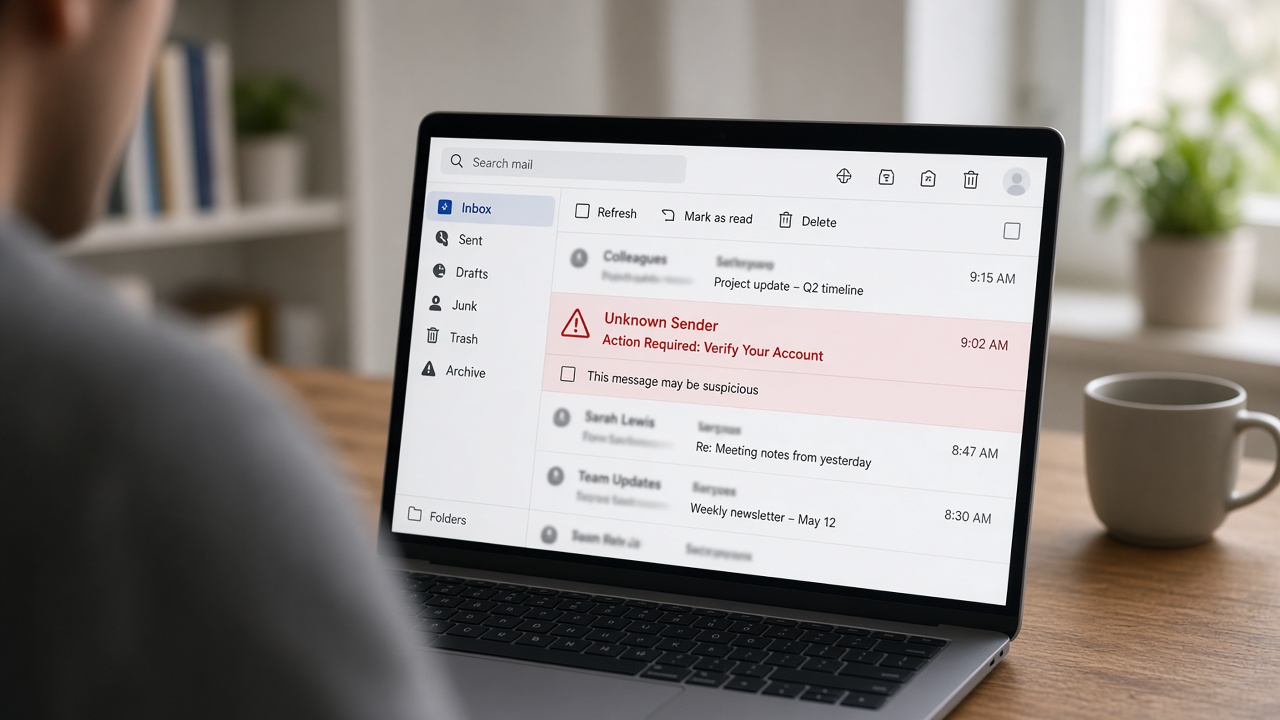
Common signs of a scam text or email
Scammers rely on pressure. They want you to act before you think. Watch for these warning signs:
- Urgency or threats. “Your account will be closed today”, “your parcel can’t be delivered” or “pay now to avoid a fine”.
- A link you weren’t expecting. Real companies rarely ask you to log in through a link in a text.
- The wrong sender. The display name says your bank, but the email address behind it is a random string of letters or a strange domain.
- Odd greetings and wording. “Dear customer” instead of your name, or small spelling and grammar slips.
- Requests for codes or passwords. A genuine business will not ask you to read out a verification code.
- An offer that’s too good to be true, such as a surprise refund, prize or job.
How to check a message safely
You don’t need to be a tech expert to check a suspicious message. Try this routine every time:
- Don’t tap or click anything yet. Not the link, not the “unsubscribe”, not the attachment.
- Go to the source yourself. Open the official app or type the company’s website address into your browser, then check for any notice there.
- Call a number you already trust. Use the number on your card, a past bill or the official website, never the one in the message.
- On a computer, hover over links. Hovering shows the real address at the bottom of your browser. If it doesn’t match the company, it’s a fake.
- Ask someone. If you’re still unsure, a quick second opinion from a family member or a tech is cheap insurance.
Habits that protect you every day
Spotting scams is half the job. The other half is making sure one slip-up doesn’t turn into a disaster.
- Use a different password for each important account, and use a password manager so you don’t have to remember them all.
- Turn on two-factor authentication for email, banking, myGov and social media.
- Keep your devices updated. Updates close the security holes that scammers and malware use.
- Run reputable security software. A good antivirus helps catch dodgy downloads and malicious sites. Something like Surfshark Antivirus is one option, or the Surfshark One bundle if you’d also like a VPN for public WiFi.
- Keep backups. If a device is ever locked or wiped, a recent backup means you lose time, not everything.
What to do if you’ve already clicked
It happens to smart people all the time, so don’t panic. Move quickly and calmly:
- Disconnect from the internet if you downloaded a file or installed something.
- Change your passwords for any account you entered details into, starting with email and banking. Do this from a different, trusted device if you can.
- Call your bank straight away if you shared card or banking details. They can block cards and watch for fraud.
- Run a full security scan on your computer or phone.
- Watch your accounts over the next few weeks for anything you don’t recognise.
- Report it. The Australian Government’s Scamwatch site has a place to report scams, and it helps others avoid them.
When to call a pro
You can handle a lot yourself, but it’s worth getting help if:
- You opened an attachment or installed software from a message you didn’t trust.
- Your computer is suddenly slow, showing pop-ups or acting strangely after you clicked something.
- You’ve been locked out of an email or social account, or friends say they’re getting odd messages from you.
- You want your devices, passwords, backups and security software checked over properly.
- You run a small business and want your whole team set up safely.
Geek Guru 2u is a mobile on-site IT service for homes and businesses, with same-day support and no extra call-out fees. If you’re in the north of Brisbane, see our areas we service. For more simple security habits, read our guide to why your laptop is so slow, since malware is sometimes the culprit.
Not sure about a message, or worried you’ve clicked the wrong thing? Call us on 1300 160 220 or book online and we’ll sort it out with you.
#AffiliateLink