Home › Surfshark › Surfshark Antivirus
Device protection by Geek Guru

Surfshark Antivirus
Light, set-and-forget protection.

Real-time protection against viruses and malware that doesn’t get in your way. It comes as part of the Surfshark One bundle.

Want us to set it up?

Send us a message and a Geek Guru tech will get back to you to install and configure it.

Geek Guru mascot
Geek Guru Contact
What it is

What is Surfshark Antivirus?

Surfshark Antivirus protects your computer or phone from viruses, spyware and other malware. It checks apps and files in real time as you download, install and use them, so threats are stopped before they cause trouble.

It isn't sold on its own. Antivirus comes in the Surfshark One bundle together with the VPN, Alert and Alternative ID, which means you get device protection and connection privacy from the same app.

Get Surfshark Antivirus

Laptop on a desk showing a security shield with a tick on screen
Key features

What you get with Surfshark Antivirus

Real-time scanning

Checks apps and files during downloads, installs and everyday use.

Webcam protection

Lock your camera and get alerts if an app or website tries to access it without permission.

Scheduled scans

Schedule scans to the minute, choose quick or full scans, and exclude files you trust.

Frequent updates

Virus database updated every 3 hours, with Cloud Protect checking for new threats.

Lightweight

Designed not to hog your CPU or memory or slow your device down.

Up to 5 devices

Windows 10+, macOS 11 Big Sur+ and 64-bit Android 10+. Not Windows ARM.

Check current pricing and plans on Surfshark’s site.

Who it suits

Is Surfshark Antivirus right for you?

  • Windows and Mac users who want more than the basics
  • Anyone who has had a virus or pop-up problem before
  • Families who want webcam protection on shared laptops
  • People who also want a VPN, since it comes with Surfshark One
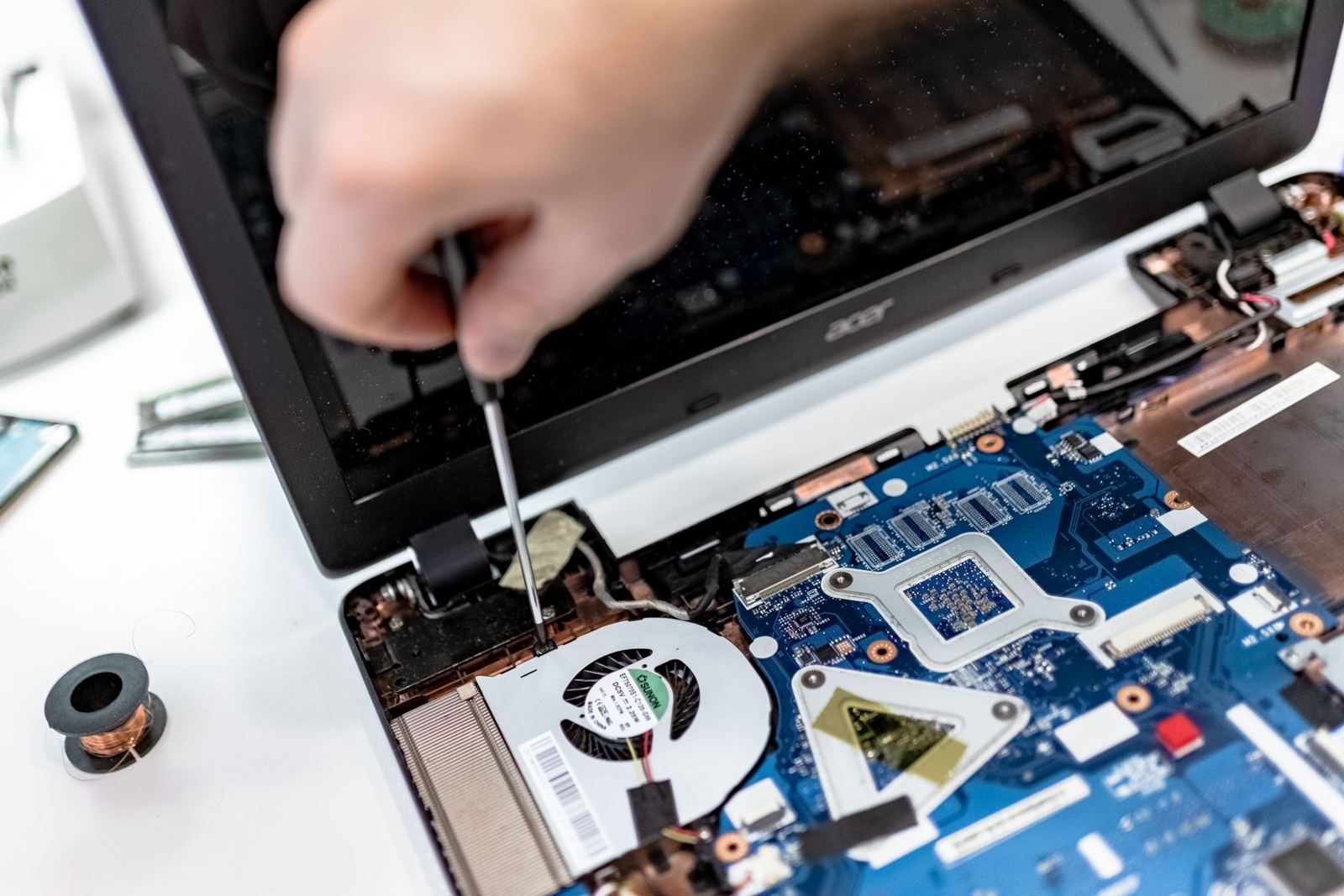
Technician working on a laptop during an on-site IT support visit
Setup help

Let Geek Guru set it up for you

Security software only works if it’s installed properly and switched on. Our friendly technicians can do it all for you, on site or remotely:

  • Remove old or expired security software that can clash
  • Install Surfshark Antivirus on your computers, phones and tablets
  • Check the settings and run a first check together
  • Show you, in plain English, how to use it day to day
Technician working on a laptop during an on-site IT support visit
FAQ

Surfshark Antivirus: quick answers

Can I buy Surfshark Antivirus on its own?

No. It only comes in the Surfshark One bundle, which also includes the VPN, Alert and Alternative ID.

Which devices does it work on?

Windows 10 or later, macOS 11 Big Sur or later, and 64-bit Android 10 or later. It isn't compatible with Windows on ARM.

Do I still need antivirus if I have a VPN?

Yes. A VPN protects your connection and privacy, while antivirus protects the device itself from malware. They do different jobs.

Can you remove my old antivirus and set this up?

Yes. We can safely remove old security software, install Surfshark Antivirus and run a first scan with you. Call 1300 160 220.

Ready to get protected?

Get Surfshark Antivirus now, or let a Geek Guru tech set it up for you.

#AffiliateLink

Call nowBook online