
Data recovery
for files you thought were gone.
On-site data recovery for photos, documents and failing drives. A friendly technician comes to your home or business, with no extra call-out fees.
- Same-day support
- No extra call-out fees
- Windows & Apple
Get in touch
Tell us what’s going on and we’ll get back to you to sort it out.

Data recovery without sending your drive away
When photos, documents or work files go missing, the last thing you want is to pack up a drive and post it to a lab. We come to you, look at what’s happened and try to recover the files on site wherever that’s possible.
We work on Windows PCs and laptops as well as Apple Macs and MacBooks, plus external hard drives, USB sticks and memory cards. We’ll explain what we found in plain English and what’s realistically possible. If the files can’t be recovered, we’ll tell you honestly.
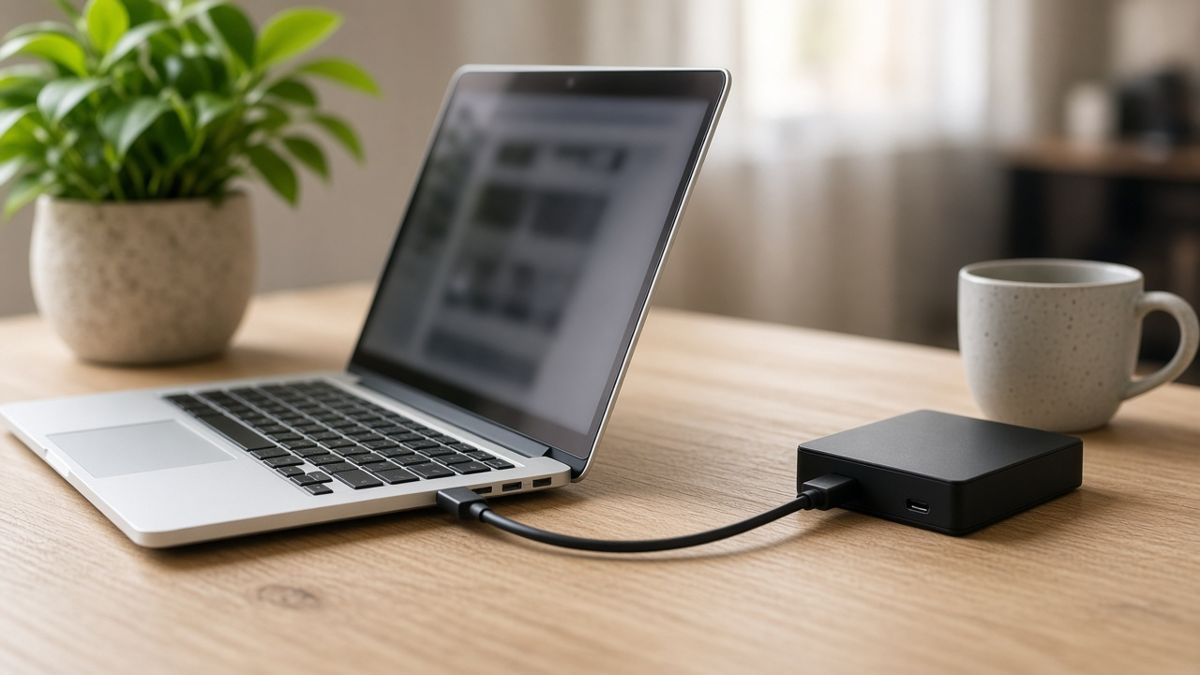
At a glance
- Photos, documents and work files
- Failing or clicking hard drives
- USB sticks, SD cards and external drives
- No extra call-out fees
If a drive is clicking or files have vanished, stop using it and call us.
Common problems we fix
Files you deleted by mistake
We try to recover documents and photos that were deleted or emptied from the recycle bin.
A drive that won’t open
Clicking sounds, a drive that isn’t recognised, or a disk that asks to be formatted – stop using it and we’ll take a look.
The computer won’t start
If the machine won’t boot but the files are still on the drive, we can often copy them off so they’re safe.
USB sticks and memory cards
Cameras, phones and USB drives that no longer show their photos or documents.
After a crash or failed update
Files that disappeared after a crash, a power cut or an update that didn’t finish.
A backup so it doesn’t happen again
After that, we can help you set up a simple backup so the next scare is easier.
Sorted in three easy steps
Get in touch
Call 1300 160 220, send us a message or book online and tell us what’s going on.
We come to you
A professionally trained technician comes to your home or business – often the same day.
Back up and running
We work on the recovery at your place and show you what we were able to get back, then talk through a simple backup if you’d like one.
Before you book: quick checks that help
- Stop using the drive. If it’s clicking or files have vanished, don’t keep saving new things to it – that can overwrite the data.
- Don’t format it or run a repair tool you aren’t sure about. Those steps can make recovery harder.
- If the computer still starts, copy anything you can still see to a different drive or a USB stick.
- The Australian Cyber Security Centre guide to securing your devices explains why regular backups matter and how to set them up.
Your questions answered
How much does data recovery cost?
Every job is different, so call 1300 160 220 for a quote. There are no extra call-out fees because we come to you.
Can you always get the files back?
No. Data recovery isn’t always possible, especially if a drive has failed badly or has been overwritten. We’ll tell you honestly what’s realistic before you decide to go ahead.
Do you work on Macs as well as Windows PCs?
Yes. We work on Windows desktops and laptops as well as Apple iMacs and MacBooks, and on many external drives, USB sticks and memory cards.
Should I keep using a clicking hard drive?
No. Switch it off and call us. Continuing to use a failing drive can make the files harder, or impossible, to recover.
Can you help me set up a backup afterwards?
Yes. After the visit we can help you set up a simple backup to an external drive or a reputable cloud service, so the next problem is less of a scare.
Other services and local help
We’re a mobile service covering homes and businesses across North Brisbane – including Chermside, Aspley and North Lakes. See our coverage area, or browse all our services.
Want to learn more first? Read our guide on how to back up your computer, or why your laptop might be running slowly.
Need a hand? We’ll come to you.
Call for a quote or book a time that suits you.